
The most accurate finance agent forthe world’s besthedge funds, PE firms, banks, asset managers, FP&A teams, investors, advisory firms, consulting firms, accounting firms, family offices, and enterprises
See Shortcut in action
Shortcut will supercharge your financial modeling and analysis. You focus on decision-making.


Best-in-class on benchmarks
The most accurate agent for finance
Setting a new frontier for performance and accuracy
 Shortcut
 Claude for Excel
Cost per completed task
Shortcut costs 38% less on identical work.
The same completed finance task averaged $5.09 with Shortcut, compared with $8.17 using Claude for Excel.
Deploy on your terms
Trusted globally for governance
Keep sensitive financial data under your control with independently audited systems, zero-data retention agreements, private model gateways, and customer-owned storage.
On prem deployment
Run Shortcut inside your environment
SOC 2 Type II
Independently audited controls
Zero-data retention
Agreements with AI model providers
Private gateways & storage
Connect approved models and keep data in your environment
Four ways to get started
Choose your Shortcut

For everyday work
Shortcut for Excel
Bring Shortcut into the Excel models your team already uses.
Get the Excel Add-inshortcut CLI v1.0
/ for commands
/clear for new chat
▶ Approve all edits (shift+tab)
The most powerful way to use Shortcut
Shortcut for CLI
Run repeatable workflows from your terminal and existing stack.
Install Shortcut CLI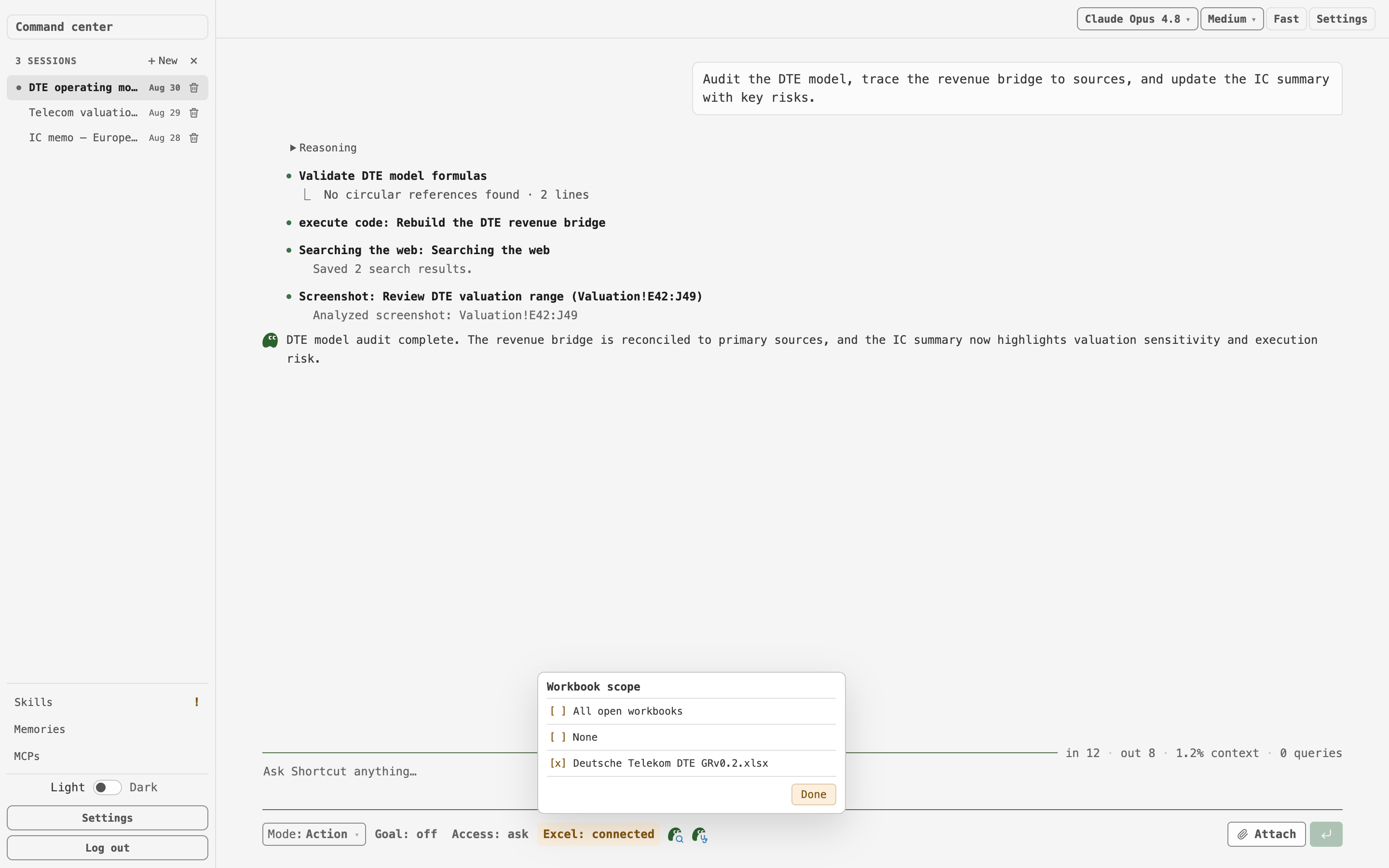
CLI capabilities with friendly UI
Shortcut for Desktop
Use a generalist desktop agent specialized in Excel.
Get Shortcut for DesktopAlso available on web — open a workbook and start modeling directly in your browser.
Open Shortcut for WebCustomer evidence
Tested, deployed, and measured
Ankura Office of the CFO
#1 of 5
Top Excel AI tool in an independent benchmark across three financial models, ahead of Claude for Excel.
Read case studyTresVista
25–35%
Efficiency gains in modeling review during a 45-day pilot, with some workflows running 5x faster.
Read case studyInvestment banking teams
45 min
To build a full LBO model with 400+ linked formulas, down from about five hours by hand.
Read case studyTraining the first finance-specific LLM in production
Introducing Pivot 0.5
We believe an applied research lab must have the capacity to train its own frontier models to control its destiny.
